
October 14, 2026
AI Business Solutions: Is the Fastest Path Really the Best Start?
Chasing visible AI projects first can delay the real gains—margin protection and efficiency—that come from automating your back office before customer-facing tools.


January 20, 2026
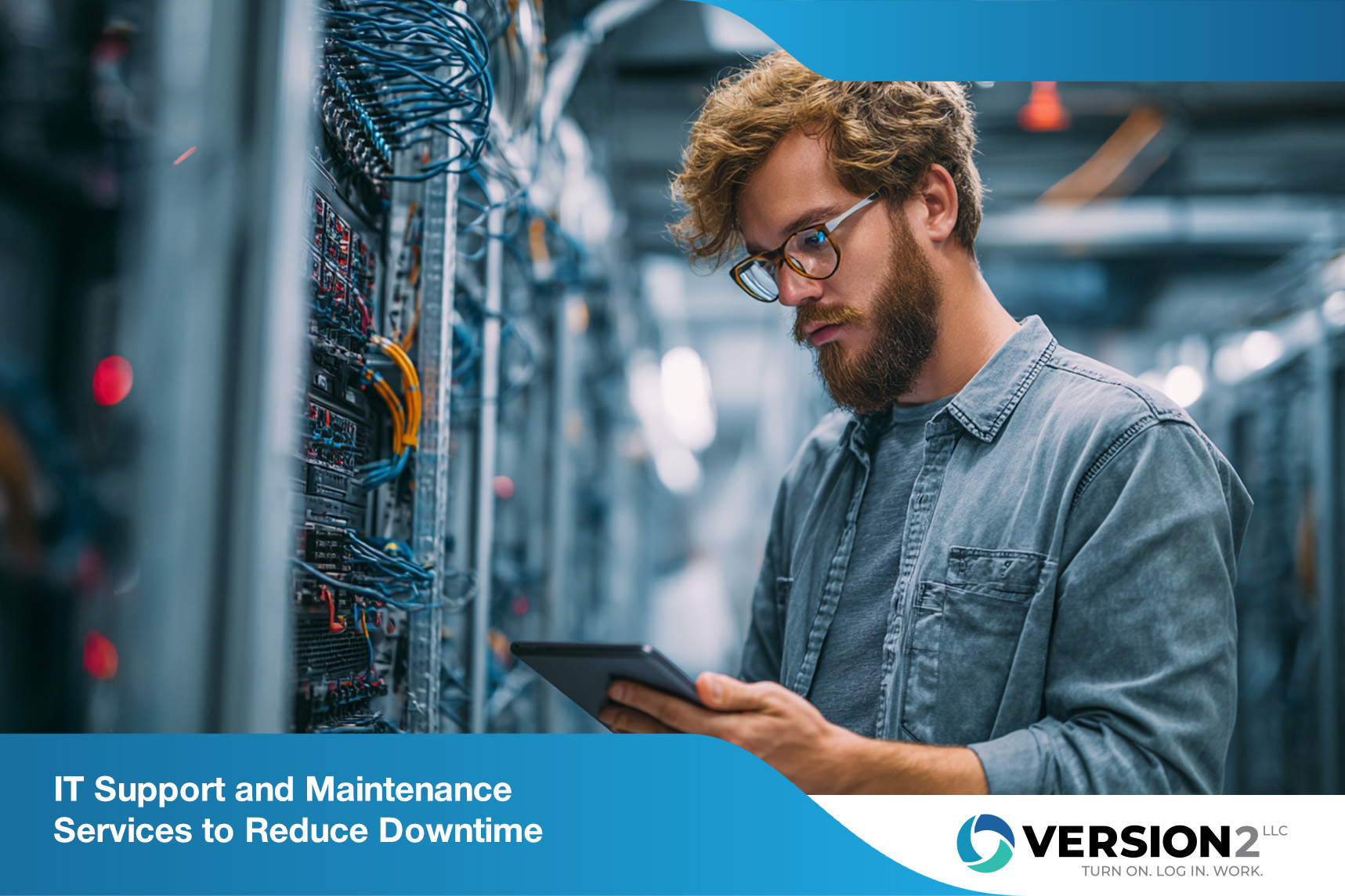
Keeping your business technology running smoothly is no longer optional—it's essential. IT support and maintenance help reduce downtime, protect your data, and ensure your systems are always ready to meet business needs. In this blog, you'll learn what IT support and maintenance really involve, the different types of services available, and how to choose the right approach for your company. We'll also cover the benefits, common challenges, and best practices to help your business stay ahead.
IT support and maintenance refer to the ongoing services that keep your technology systems functional, secure, and up to date. These services include everything from fixing hardware and software issues to monitoring systems for potential problems before they cause disruptions.
Support services provide immediate help when something goes wrong, while maintenance focuses on preventing those issues in the first place. Together, they ensure your business operations continue without interruption, helping you avoid costly downtime and extend the lifespan of your technology investments.
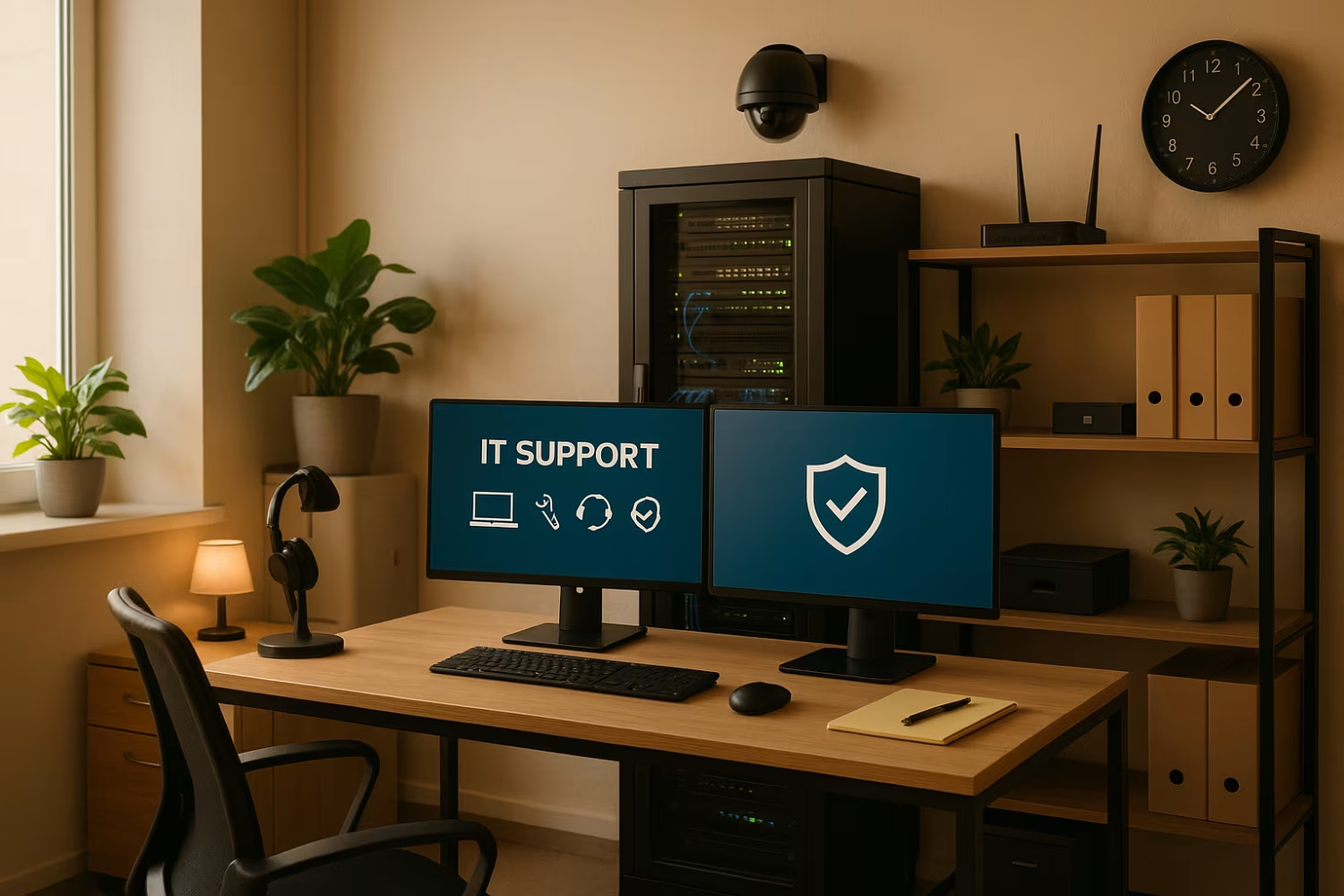
To get the most out of your IT support and maintenance, it’s important to understand the strategies that make these services effective. Here are some key approaches that help businesses stay protected and productive.
Proactive monitoring helps identify issues before they become serious problems. This includes tracking system performance, identifying unusual activity, and alerting support teams to take action early.
Keeping software and systems updated is critical. Regular updates include security patches and performance improvements that help your systems run efficiently and securely.
Preventive maintenance involves routine checks and servicing of hardware and software. This helps catch wear-and-tear issues early and reduces the risk of sudden failures.
Having a reliable backup system ensures your data is safe in case of hardware failure or cyberattacks. A recovery plan helps restore operations quickly.
Even the best systems can fail if users don’t know how to use them properly. Training your team reduces user errors and improves productivity.
Clear documentation of your IT systems, configurations, and procedures helps support teams troubleshoot faster and maintain consistency.
Regular reviews of your IT support maintenance help identify what’s working and what needs improvement. This ensures your services stay aligned with business needs.
Professional IT maintenance offers several advantages that help businesses stay competitive and secure:

There are several types of IT maintenance, each serving a specific purpose. Understanding these helps you choose the right mix for your business.
Corrective maintenance involves fixing issues after they occur, such as repairing a failed server or replacing a broken component. While necessary, relying solely on this approach can lead to more downtime.
Preventive maintenance, on the other hand, focuses on avoiding problems before they happen. This includes tasks like cleaning hardware, updating software, and checking system logs. It’s a proactive approach that improves reliability.
Adaptive maintenance adjusts systems to changes in the business environment, such as adding new features or integrating with other tools. This helps your IT stay aligned with evolving business needs.
Perfective maintenance improves system performance by optimizing existing functions. It’s about making your systems better, not just fixing them.
Support and maintenance are often grouped together, but they serve different roles. Support services focus on solving immediate problems. This includes help desk support, troubleshooting, and technical support for users.
Maintenance, however, is about keeping systems healthy over time. It includes tasks like patch management, software updates, and network maintenance. While support is reactive, maintenance is proactive.
Both are essential. Support keeps your team productive when issues arise, while maintenance ensures those issues happen less often in the first place.

A solid IT support and maintenance plan doesn’t happen by accident. Here are some best practices to guide your implementation:
Even with a good plan, businesses can face challenges. Here are some of the most common issues and how to address them:
Addressing these challenges early helps ensure your IT support and maintenance stay effective and reliable.

Are you a business with 10 to 100 employees looking for reliable IT support and maintenance? If you're growing and need systems that scale with you, we can help. Our team understands the unique needs of small to mid-sized businesses and offers services that reduce downtime and improve performance.
We provide proactive IT maintenance, fast support services, and tailored solutions that align with your business goals. Whether you need help with backups, software updates, or full network management, Version 2 is here to ensure your systems run smoothly.
Businesses can choose from several maintenance services, including preventive maintenance, corrective maintenance, and adaptive maintenance. Support services include help desk support, technical support, and troubleshooting.
These services provide different levels of care depending on your business operations. Preventive maintenance helps reduce downtime, while support services provide fast solutions when issues arise.
Regular maintenance ensures your systems are checked, updated, and optimized. This includes patch management, software updates, and hardware inspections.
By proactively identifying and fixing issues, maintenance helps prevent unexpected failures. This keeps your systems running smoothly and reduces the risk of business interruptions.
Proactive IT maintenance focuses on preventing problems before they occur. It involves monitoring systems, applying updates, and reviewing performance data.
This type of maintenance ensures reliability and helps extend the lifespan of your technology. It also supports optimization of your network infrastructure and reduces vulnerability to threats.
Support services provide immediate help when systems fail or users need assistance. This is especially important for smaller businesses that may not have in-house IT teams.
Reliable support helps ensure business continuity and allows your team to stay productive. It also helps maintain the reliability of your hardware and software.
Support focuses on solving problems after they happen—like troubleshooting or technical support. Maintenance involves preventing those problems through regular care.
Both are essential. Support teams fix issues quickly, while maintenance ensures systems run smoothly and helps avoid future disruptions.
Start by assessing your current systems and identifying gaps. Consider your lifecycle stage, business goals, and the complexity of your network infrastructure.
Look for services that proactively address vulnerabilities and align with your business operations. A good provider will help you customize a plan that fits your needs.
%20(1).png)
October 14, 2026
Chasing visible AI projects first can delay the real gains—margin protection and efficiency—that come from automating your back office before customer-facing tools.

September 30, 2026
Explore SOC security services, including what is SOC as a service, to help your business detect, respond to, and stay ahead of cyber threats effectively.

September 25, 2026
Learn why security awareness training for employees is essential, what to include, and how to build a safer workplace with practical, ongoing training programs.
