Businesses face a growing number of IT security threats that can disrupt operations, steal sensitive information, and damage reputations. Understanding these risks is essential for anyone responsible for protecting company data. In this blog, you'll learn what IT security threats are, how they evolve, and what steps you can take to defend your organization. We'll cover common IT security threats like malware, phishing, and ransomware, as well as practical ways to mitigate these dangers. You'll also find best practices, challenges, and answers to frequently asked questions about keeping your systems secure against attackers and potential danger.
Understanding IT security threats and their business impact
IT security threats are any risks or dangers that target your company's technology systems, data, or networks. These threats can come from outside attackers, like hackers, or from inside sources, such as employees who accidentally or intentionally cause harm. The impact of a successful attack can be severe, leading to data breaches, financial loss, and loss of customer trust.
Businesses must stay alert because cyber threats are always changing. Attackers use new methods and tools to find vulnerabilities in your network. By understanding the different types of IT security threats, you can take steps to strengthen your security posture and protect sensitive data.
Top strategies to defend against IT security threats
Protecting your business from IT security threats requires a proactive approach. Here are some key strategies you can use to reduce your risk and keep your systems safe.
Strategy #1: Regularly update and patch software
Keeping your operating systems and applications updated is one of the simplest ways to block attackers. Software vendors release patches to fix vulnerabilities that could be exploited. Make sure updates are installed as soon as they become available.
Strategy #2: Train employees on cybersecurity awareness
Employees are often the first line of defense against phishing and social engineering attacks. Regular training helps staff recognize suspicious emails, malicious links, and other signs of a cybersecurity threat.
Strategy #3: Use strong access controls
Limit access to sensitive information only to those who need it. Use strong passwords, multi-factor authentication, and regularly review user permissions. This reduces the risk of unauthorized access and insider threats.
Strategy #4: Monitor network activity
Continuous monitoring helps you detect unusual behavior that could signal a breach. Set up alerts for unauthorized access attempts or large data transfers. Early detection allows for a faster incident response.
Strategy #5: Back up data regularly
Frequent backups protect your business from ransomware and data loss. Store backups in a secure, separate location. Test your backups to ensure you can restore data quickly if needed.
Strategy #6: Implement a firewall and endpoint protection
A firewall acts as a barrier between your network and potential attackers. Endpoint protection tools help detect and block malware on devices connected to your network.
Strategy #7: Develop an incident response plan
Having a clear plan for responding to security incidents helps minimize damage and recover faster. Make sure your team knows what steps to take if a breach occurs.
Essential elements of a strong IT security program
A strong IT security program includes several key features:
Regular risk assessments to identify vulnerabilities and security risks.
Multi-layered security measures, including firewalls, antivirus, and intrusion detection systems.
Employee training on best practices and recognizing social engineering tactics.
Clear policies for handling sensitive data and confidential information.
Incident response plans that outline steps for detection and response.
Ongoing threat intelligence to stay aware of evolving cyber threats.
The evolving nature of IT security threats
IT security threats are not static—they change as technology and attack methods evolve. New vulnerabilities are discovered in software and hardware, and attackers develop more advanced techniques to exploit them. Staying ahead of these threats requires constant vigilance and adaptation.
Businesses should regularly review their security measures and update them to address new risks. This includes keeping up with the latest threat intelligence, monitoring for signs of compromise, and being ready to respond quickly to incidents. By staying proactive, you can reduce the risk of operational disruption and protect your organization's reputation.
How to mitigate IT security threats: Steps for ongoing protection
Mitigating IT security threats is an ongoing process. Here are some important steps to help keep your business secure.
Step #1: Conduct regular security assessments
Assessments help you find weaknesses in your systems before attackers do. Use tools to scan for vulnerabilities and review your security posture at least once a year.
Step #2: Update security policies and procedures
Make sure your policies reflect current threats and technologies. Update them as new risks emerge, and communicate changes to your team.
Step #3: Test your incident response plans
Practice responding to different types of cyber attacks, such as a data breach or ransomware attack. Drills help your team react quickly and effectively.
Step #4: Encrypt sensitive data
Encryption protects data at rest and in transit, making it harder for attackers to steal data even if they gain access.
Step #5: Limit entry points for attackers
Reduce the number of ways attackers can access your systems by disabling unused services, closing unnecessary ports, and using strong access controls.
Step #6: Monitor for signs of compromise
Look for unusual activity, such as unexpected logins or large file transfers. Early detection can prevent a small issue from becoming a major breach.
Step #7: Stay informed about new threats
Subscribe to threat intelligence feeds and industry alerts. Being aware of potential danger helps you adjust your defenses as needed.
Practical steps for implementing IT security measures
Putting IT security measures into practice takes planning and commitment. Start by identifying your most valuable assets, such as customer data or intellectual property. Focus your efforts on protecting these high-priority targets first.
Work with your IT team or a trusted security partner to implement reliable systems, such as firewalls, antivirus software, and secure backup solutions. Make sure everyone in your organization understands their role in keeping data safe. Regular training and clear communication are key to building a culture of security.
Finally, review your security measures regularly. Technology and threats change quickly, so it's important to stay flexible and update your defenses as needed. Document your processes and keep your incident response plans up to date.
Best practices for reducing IT security risks
Following best practices can help you reduce the risk of IT security threats:
Use multi-factor authentication for all important accounts.
Keep software and hardware updated with the latest patches.
Train employees to recognize phishing attacks and suspicious behavior.
Back up data regularly and store backups securely.
Limit user access to only what is necessary for their job.
Review and update security policies at least once a year.
Taking these steps can help your business stay ahead of attackers and protect sensitive information.
How Version 2 Can Help with IT security threats
Are you a business with 10 to 100 employees looking to improve your IT security? As your company grows, protecting your data and systems becomes even more important. We understand the unique challenges that growing businesses face when it comes to defending against IT security threats.
Our team at Version 2 specializes in helping businesses like yours identify vulnerabilities, implement reliable systems, and respond quickly to incidents. If you're ready to strengthen your security posture and reduce your risk, contact us today to learn how we can help.
Frequently asked questions
What are the most common IT security threats for small businesses?
Small businesses often face threats like phishing, ransomware, and data breaches. These attacks can lead to loss of sensitive information and operational disruption. It's important to stay alert and educate your team about these risks.
To protect your business, use security measures such as firewalls and regular employee training. Regularly updating your systems and having a clear incident response plan can also help you recover quickly if an attack occurs.
How can I detect a cybersecurity threat before it causes damage?
Early detection of a cybersecurity threat involves monitoring your network for unusual activity and using reliable detection tools. Look for signs like unexpected logins or large data transfers, which could indicate a breach.
Implementing proactive monitoring and using threat intelligence feeds can help you spot potential attacks. Regular vulnerability assessments and keeping your software up to date are also important steps.
What steps should I take to mitigate malware and ransomware attacks?
To mitigate malware and ransomware attacks, start by keeping all your software and systems updated. Use strong passwords and multi-factor authentication to make it harder for attackers to gain access.
Regularly back up your data and store backups in a secure location. Train employees to avoid clicking on suspicious links or downloading unknown attachments, as these are common ways malware spreads.
How does network security protect against DDoS and distributed denial of service attacks?
Network security tools like firewalls and intrusion detection systems help block DDoS attacks by filtering out malicious traffic. These systems can identify and stop distributed denial of service attempts before they impact your operations.
It's also important to have a response plan in place. Work with your IT team or service provider to ensure your network can handle sudden spikes in traffic and recover quickly from attacks.
Why is employee training important for preventing phishing and social engineering?
Employee training helps staff recognize phishing emails and social engineering tactics that attackers use to steal data. Teaching your team to spot suspicious messages reduces the risk of unauthorized access.
Regular training sessions and simulated phishing tests can keep employees alert. Clear policies for reporting suspicious activity also help prevent breaches and protect sensitive data.
What should I include in an incident response plan for IT security threats?
An effective incident response plan should outline steps for detection and response to different types of IT security threats. Assign roles and responsibilities so everyone knows what to do during an incident.
Include procedures for containing the threat, communicating with stakeholders, and restoring systems. Review and update your plan regularly to address new risks and ensure your team is prepared for any potential danger.
Learn why IT support for architecture is crucial, how managed IT services protect your firm, and practical steps to keep your projects secure and running smoothly.
Explore IT infrastructure optimization strategies, best practices, and assessment tips to improve performance, reduce costs, and keep your business technology running smoothly.
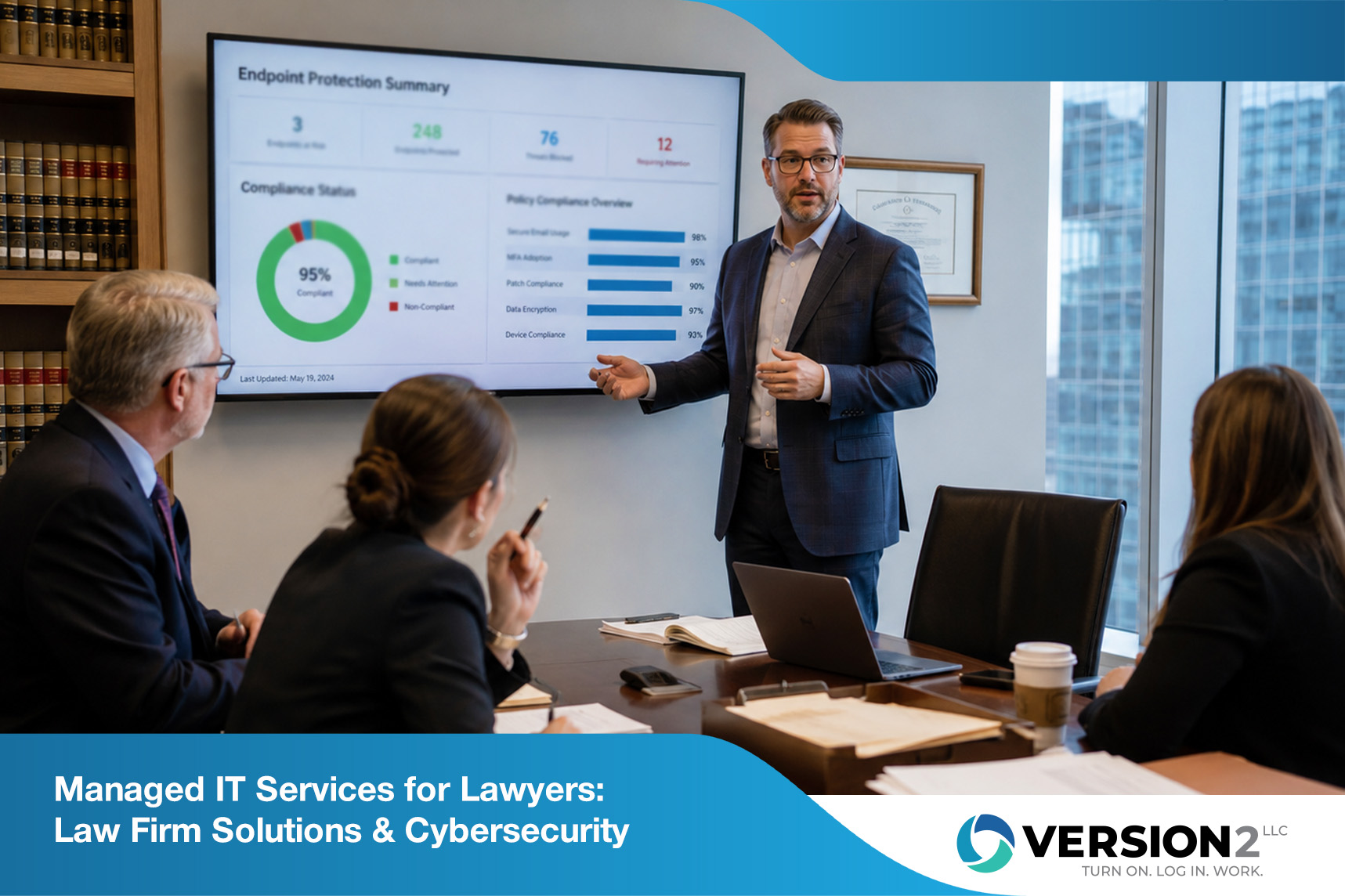
Explore managed IT services for lawyers, including cybersecurity, compliance, and IT support for attorneys. Learn how these solutions help law firms stay secure and productive.


%20(1).png)