
September 18, 2026
Cloud Computing Solutions: Top Cloud Services & Security Benefits
Discover how Cloud computing solutions help businesses grow, improve security, and cut costs. Learn about types, benefits, and best practices for success.


July 17, 2026

It’s 8:12 on Monday Morning.
The coffee is poured.
Your design team settles in, opens Revit…and waits.
A central model takes three minutes to load.
A linked file refuses to sync.
Someone restarts their workstation because “it’s been acting up again.”
No one is surprised.
In fact, no one even mentions it anymore.
It’s simply become part of the workday.
But here’s the problem:
Those few minutes aren’t just an inconvenience; they’re quietly reducing productivity, delaying projects, frustrating employees, and costing your firm money.
For many Architecture firms, slow technology doesn’t show up as a catastrophic outage.
It shows up as dozens of tiny interruptions that slowly become accepted as “normal.”
And that’s where the real cost begins.
Architecture firms measure utilization, project schedules, staffing, and profitability.
Yet very few measure how much productive time is lost waiting on technology.
Consider this:
If twenty designers lose just fifteen minutes each day because of slow model loading, delayed file access, sluggish workstations, or application freezes, that’s:
Those aren’t IT hours.
Those are hours your architects and designers should be spending creating value for clients.
Technology should accelerate project delivery—not quietly become part of the critical path.
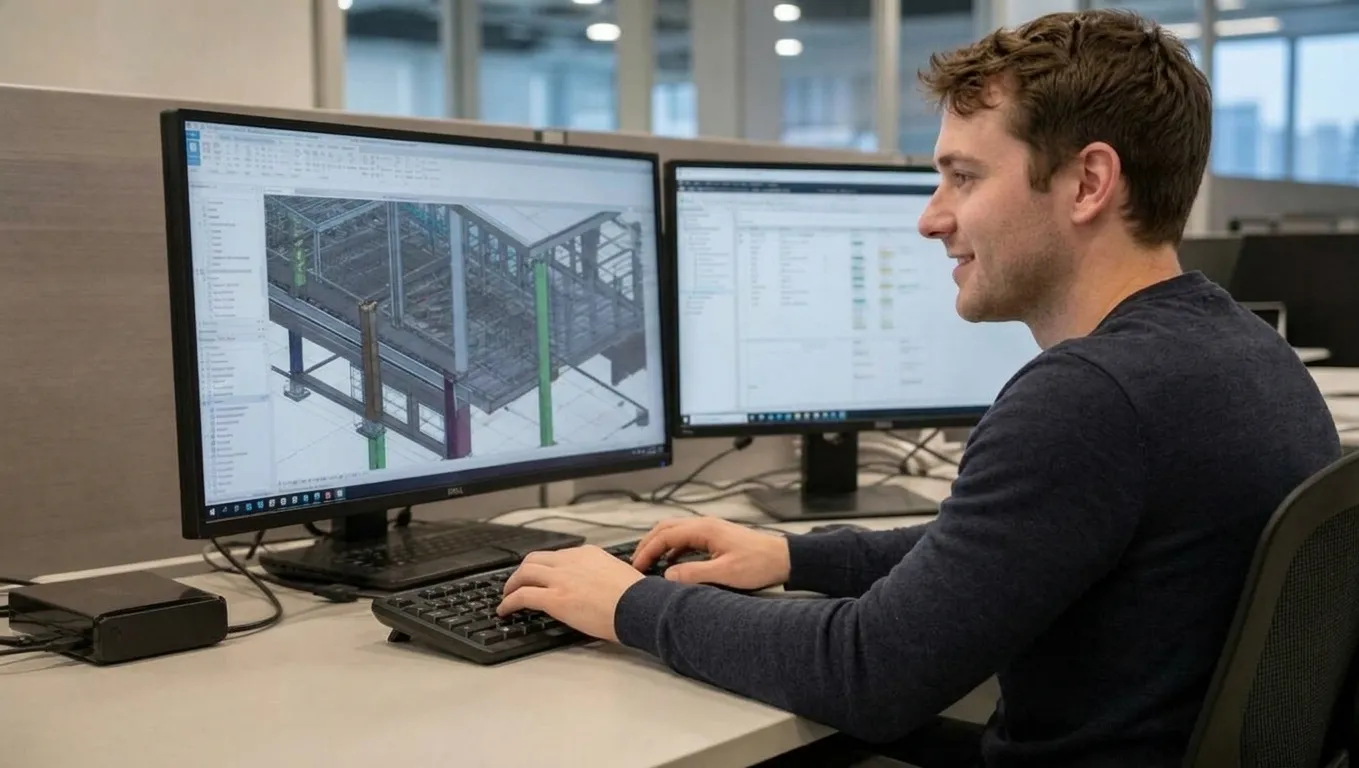
Revit is one of the most demanding applications in your technology environment.
But contrary to popular belief, the software itself is rarely the root cause.
Most performance problems stem from multiple small technology bottlenecks that have developed over time.
Individually, they seem insignificant.
Together, they create daily friction that affects every project.
Here are the seven issues we see most often.
Technology ages differently from office furniture.
A workstation that performed well four years ago may now struggle to keep pace with today’s BIM workflows.
Common symptoms include:
The workstation still “works.”
It just no longer supports your team’s productivity.
One of the most overlooked causes of poor Revit performance is storage.
As project files grow larger and more complex, older storage infrastructure struggles to keep up.
The result:
Many firms upgrade computers while overlooking the systems those computers rely on.
When Revit feels slow, many firms immediately blame the internet.
Sometimes they’re right.
More often, the bottleneck exists somewhere else.
We frequently find:
Throwing more bandwidth at the problem rarely fixes the underlying issue.
Finding the actual bottleneck does.
As firms grow, so do their models.
More consultants.
More linked files.
More remote collaboration.
More simultaneous users.
Technology that comfortably supported a 15-person firm often struggles to support a 50-person firm.
Growth exposes weaknesses that weren’t noticeable before.

Architecture firms now collaborate across:
That flexibility is valuable—but only when the underlying technology is designed to support large BIM workflows.
Otherwise, every remote employee experiences unnecessary friction.
Rarely is there one major issue.
Instead, it’s:
None of these issues creates headlines.
Together, they quietly reduce productivity every single day.
This may be the biggest issue of all.
Many IT providers focus on:
Those metrics matter.
But they don’t answer the questions leadership actually cares about.
Questions like:
If no one is measuring those things, no one is improving them.
Architecture firms constantly refine design processes, project workflows, and quality standards.
Technology deserves the same attention.
The goal isn’t faster computers.
The goal is fewer interruptions.
Less waiting.
More productive designers.
More predictable project delivery.
Because every minute your team spends waiting on technology is a minute they aren’t creating value for your clients.

Before assuming slow Revit is “just the way it is,” ask yourself:
The answers often reveal opportunities that leadership never realized existed.
Technology should never become part of the critical path.
When an architect has to wait for a model to open…
When an engineer loses time searching for project files…
When a project manager delays a coordination meeting because the technology isn’t cooperating…
The problem isn’t just the technology.
It’s the interruption to the work that matters most.
Architecture and Engineering firms don’t create value by troubleshooting computers.
They create value by designing buildings, solving complex engineering challenges, and delivering exceptional projects for their clients.
That’s why we believe technology should fade into the background.
Your team shouldn’t have to think about whether the network is slow…
Whether Revit will load…
Whether remote access will work today…
They should be able to start every morning the same way.
When technology simply works…
Designers stay productive.
Project managers stay focused.
Deadlines stay on schedule.
Leadership has confidence.
And projects keep moving.
That’s the standard we believe every Architecture and Engineering firm deserves.
If your team has accepted slow Revit performance, sluggish file access, or daily technology frustrations as “just the way it is,” it may be time for a fresh perspective.
Schedule a complimentary Architecture & Engineering Technology Risk Review with Version2.
We’ll help you identify the hidden technology bottlenecks affecting productivity, collaboration, and project delivery, and provide practical recommendations that help your team spend more time designing and less time waiting.
Because technology should never become part of the critical path.
It should simply let your team…Turn On. Log In. Work
%20(1).png)
September 18, 2026
Discover how Cloud computing solutions help businesses grow, improve security, and cut costs. Learn about types, benefits, and best practices for success.

September 11, 2026
Learn how IT helpdesk outsourcing can streamline support, reduce costs, and boost customer satisfaction for growing businesses seeking reliable help desk solutions.

August 28, 2026
Explore cloud data integration, its benefits, and top use cases. Learn how integration solutions streamline business data for better decisions and growth.
