%20(1).png)

August 28, 2026
Cloud Data Integration: Benefits, Integration Platform & Solutions
Explore cloud data integration, its benefits, and top use cases. Learn how integration solutions streamline business data for better decisions and growth.


December 19, 2025

Keeping your servers healthy is critical to your business operations. Without regular maintenance, you risk data loss, security breaches, and costly downtime. In this guide, you’ll learn how to build a reliable server maintenance checklist, what tasks to prioritize, and how to apply best practices for both Windows and Linux servers. We’ll also cover tools, tips, and templates to help your server run smoothly and avoid hardware failure.
A server maintenance checklist is a set of routine tasks designed to keep your servers secure, updated, and performing at their best. Whether you're managing a single server or a full server room, having a structured approach ensures nothing critical is overlooked.
Regular maintenance helps prevent unexpected downtime, improves server performance, and extends the life of your hardware. It also ensures compliance with security standards and reduces the risk of data loss. Without a checklist, it’s easy to forget essential tasks like checking server logs or updating your operating system (OS).

A strong checklist covers everything from updates to backups. Here are the most important steps to include:
Apply software updates and patches to your OS and applications. This protects your server from known vulnerabilities and ensures compatibility with other tools. Set a recurring schedule to avoid delays.
Backups are your safety net. Make sure you back up critical data daily and test your restore process regularly. Use both onsite and offsite solutions for redundancy. You can learn more about data backup best practices to ensure your data is secure.
Reviewing logs helps you spot unusual activity early. Look for login attempts, service errors, and performance issues. Automate log monitoring when possible.
Running out of disk space can crash your server. Monitor disk usage and clean up unnecessary files. Set alerts for when usage hits critical levels.
Use built-in tools or third-party software to measure CPU, memory, and network usage. Identify bottlenecks and optimize workloads accordingly.
Check firewall rules, antivirus software, and user permissions. Update passwords regularly and disable unused accounts to reduce risk.
Inspect server hardware for signs of wear. Check fans, power supplies, and hard drives. Replace failing components before they cause downtime.
A good maintenance process includes these key features:

Using a server maintenance checklist template saves time and ensures consistency. Templates help you standardize tasks across multiple servers and team members. Whether you manage Windows Server or Linux Server environments, a template ensures nothing is missed.
Customize your template based on your server type, business needs, and compliance requirements. For example, Linux servers may need different commands or log paths than Windows servers. Keep your checklist updated as your infrastructure evolves.
The right tools and strategies make server maintenance easier and more effective. Here are some worth considering:
These let you access and manage servers from anywhere. Look for tools that support secure connections and multi-server environments.
Automating updates reduces human error and ensures timely patching. Choose tools that support both OS and third-party software.
Use these to remove temporary files, logs, and unused software. This helps free up space and improve performance.
Dashboards give you real-time visibility into server resource usage. They help you spot trends and respond quickly to issues.
Securely store and rotate passwords for server access. This reduces the risk of unauthorized entry and simplifies audits.
Automate recurring tasks like reboots, backups, and updates. This ensures consistency and reduces manual workload.
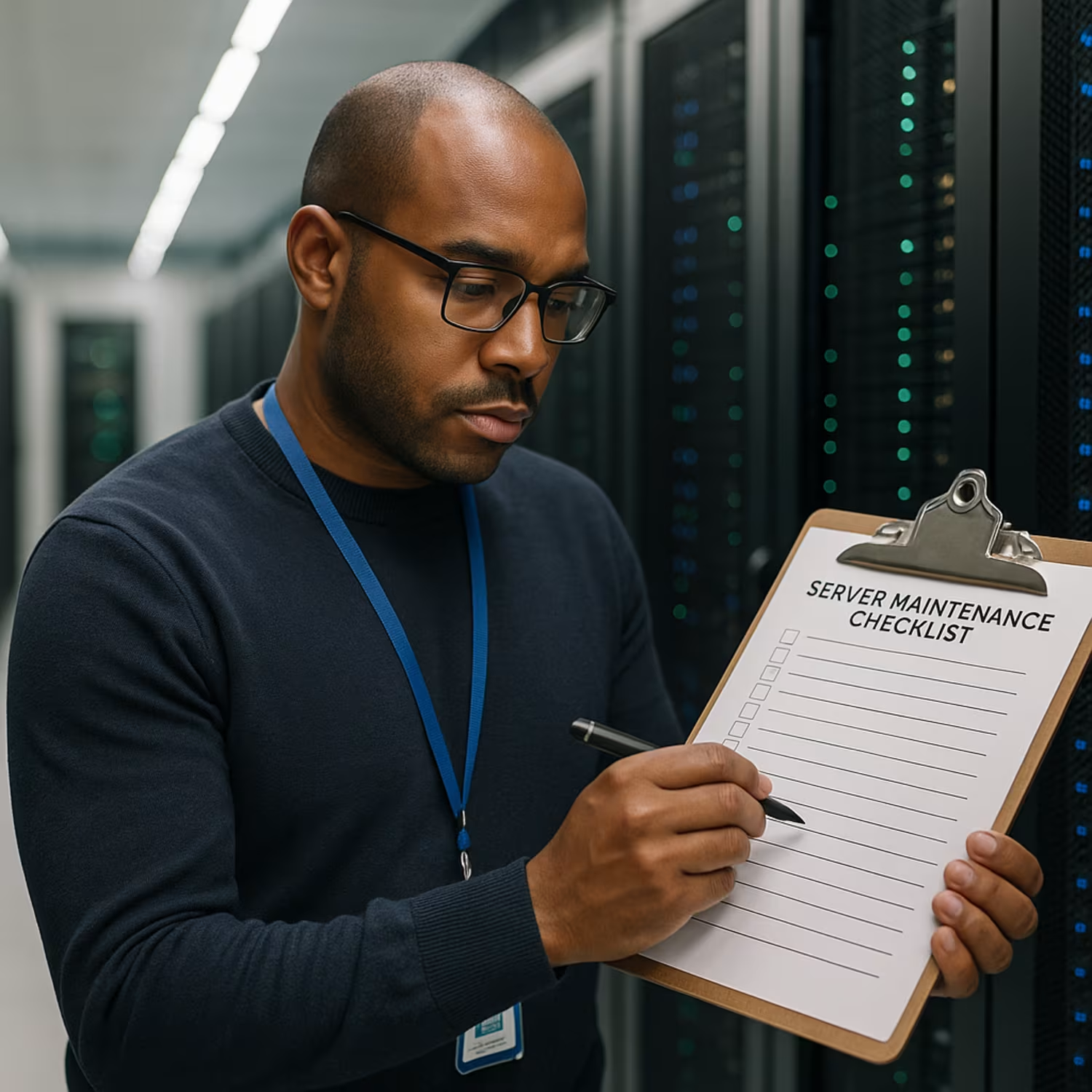
Start by reviewing your current server setup. Identify gaps in your maintenance process and prioritize high-risk areas like backups and updates. Then, build or customize a checklist that fits your environment.
Assign responsibilities to your IT team and set a clear maintenance schedule. Use monitoring tools to track compliance and performance. Review and update your checklist quarterly to keep it aligned with business needs and technology changes.
Follow these best practices to keep your servers in top shape:
These practices help reduce downtime and improve overall server reliability.

Are you a business with 10 to 100 employees looking to improve your server maintenance process? If you're growing and need a structured way to manage updates, backups, and server performance, we can help.
At Version 2, we specialize in helping businesses build and follow a reliable server maintenance checklist. Our team handles everything from setup to ongoing support, so you can focus on running your business. Let’s talk about how we can support your IT needs.
A basic checklist should cover updates, backups, and server management tasks. Include steps like checking logs, monitoring disk usage, and applying software updates. These help reduce downtime and keep your server running smoothly.
Also, don’t forget to change your password policies regularly and test your data backup process. These simple steps can prevent major issues later.
You should update your server software at least once a month. This includes OS patches, control panel updates, and application fixes. Regular maintenance ensures your system stays secure and compatible.
Use remote management tools to automate updates when possible. This saves time and reduces the risk of missing critical patches.
Backups protect your data from hardware failure, cyberattacks, or accidental deletion. For small businesses, losing data can mean lost revenue or customer trust. A reliable backup system is essential.
Make sure to back up your hard drive daily and store copies offsite. Test your restore process regularly to ensure it works.
Set up automated tools to collect and analyze server logs. Focus on login attempts, error messages, and unusual activity. This helps you catch issues early.
Monitoring logs also improves server performance by identifying slow processes or failing services. It’s a key part of regular maintenance.
Windows Server often uses a graphical control panel, while Linux Server relies on command-line tools. Maintenance tasks are similar but use different methods.
For example, software updates and log file locations differ between the two. Choose tools and templates that match your server OS.
Start by reviewing your current checklist and identifying gaps. Add new tasks based on updated best practices and compliance rules. Use a server maintenance checklist template to stay organized.
Include tasks like reviewing server resource usage, updating passwords, and checking the server room environment. Keep your server ready for the year ahead.
August 28, 2026
Explore cloud data integration, its benefits, and top use cases. Learn how integration solutions streamline business data for better decisions and growth.

August 21, 2026
Discover how data backup solutions protect your business from data loss. Learn practical strategies for business data backup and secure recovery in this guide.

August 14, 2026
Explore how Managed IT services for small business can reduce downtime, boost security, and streamline operations with expert IT business solutions tailored for growth.
