
July 29, 2026
5 Signs Your Architecture or Engineering Firm Has Outgrown Its Technology
Learn the five warning signs that your architecture or engineering firm needs a stronger technology strategy to support its continued growth.


March 23, 2026
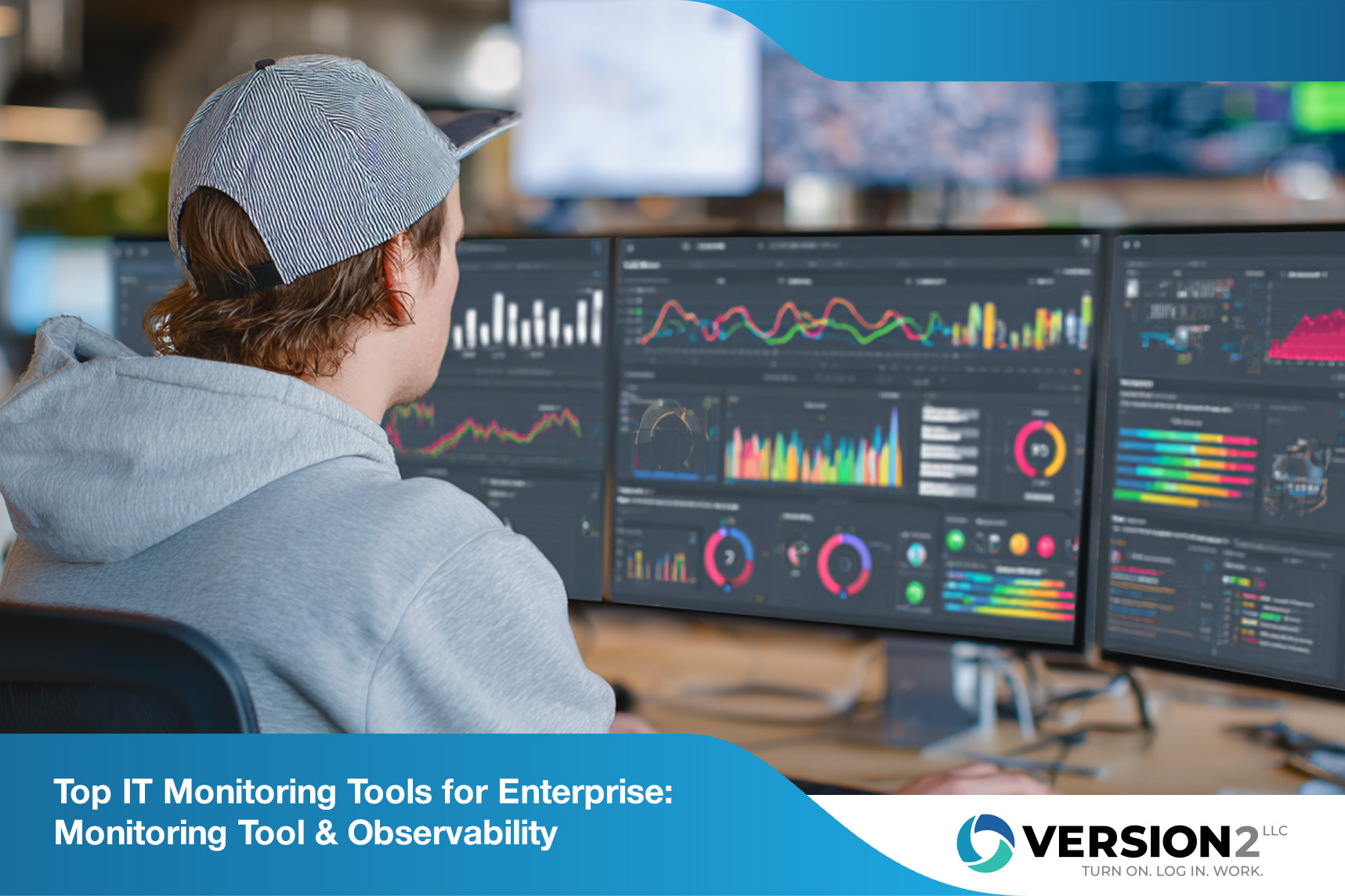
Staying ahead in business means knowing exactly what’s happening in your IT systems at all times. That’s where IT monitoring tools come in. In this blog, you’ll learn how these tools help you catch issues before they become problems, keep your business running smoothly, and support your team’s productivity. We’ll cover the basics, explore common mistakes, highlight key features, and share best practices for choosing and using the right tool. Plus, you’ll see how integration with real-time alert systems and open source options can give your enterprise a competitive edge.
IT monitoring tools are essential for keeping your business technology reliable and secure. They track the health and performance of your servers, networks, and applications. With the right monitoring tool, you can spot problems early, avoid downtime, and make smarter decisions about your IT resources.
These tools work by collecting data from your systems, analyzing it, and sending alerts if something goes wrong. Many businesses use IT remote monitoring to keep an eye on their systems even when working from different locations. This is especially important for companies with multiple data centers or a hybrid workforce. By using observability features, you get a complete view of your IT environment, making it easier to manage and improve.

Even the best IT monitoring tools can fall short if not used correctly. Here are some mistakes you’ll want to avoid:
If your monitoring tool doesn’t integrate with your other IT systems, you’ll miss out on valuable insights. Integration helps you see the full picture and respond faster to issues.
Delays in alerts can lead to bigger problems. Make sure your tool provides real-time notifications so you can act quickly when something goes wrong.
Open source tools can be flexible and cost-effective. Skipping them might mean missing out on solutions that fit your needs and budget.
While infrastructure monitoring is important, you also need to watch applications and user experiences. A narrow focus can leave gaps in your coverage.
Without clear metrics, it’s hard to know what’s working and what’s not. Define what you want to measure so your monitoring tool delivers useful data.
As your business grows, your monitoring needs will change. Choose tools that can scale with you and handle more data and users.
When choosing IT monitoring tools, look for these important features:

Reliable IT monitoring tools do more than just spot problems—they help your business run better. By tracking system performance, you can find and fix slowdowns before they affect your customers. This means fewer disruptions and a better experience for everyone.
With IT remote monitoring, your team can keep an eye on systems even when working offsite. This flexibility is key for businesses with remote staff or multiple locations. Plus, observability features help you understand not just what’s happening, but why, so you can make smarter decisions about upgrades and changes.
Getting the most from your IT monitoring tools takes planning and the right approach. Here’s how you can do it:
Start by reviewing what you already have. Identify gaps in coverage and areas where your current tools fall short.
Know what you want to achieve with your monitoring tool. This could be reducing downtime, improving performance, or supporting compliance.
Pick tools that fit your needs and budget. Open source options can offer flexibility, while commercial tools may provide more support.
Make sure your team gets notified immediately when something goes wrong. This helps you act fast and prevent bigger issues.
Everyone should know how to use the monitoring tool and understand the data it provides. Training ensures your team can spot and solve problems quickly.
As your business changes, your monitoring needs will too. Regularly review your metrics to make sure they still match your goals.

Rolling out IT monitoring tools doesn’t have to be complicated. Start by mapping out your IT environment and deciding which systems need the most attention. Focus on areas where downtime or slow performance would hurt your business the most.
Next, test your chosen monitoring tool in a small part of your network before expanding. This helps you catch any issues early and adjust your setup as needed. Make sure your team knows how to use the tool and understands the alerts it sends. Regular training and clear documentation go a long way in keeping everyone on the same page.
Follow these tips to get the most from your IT monitoring tools:
Staying proactive with these practices helps you avoid surprises and keep your IT running smoothly.

Are you a business with 10 to 100 employees looking for reliable IT monitoring tools? If you’re growing and need better ways to keep your systems running smoothly, we can help. Our team understands the unique challenges that come with managing IT for businesses of your size.
We know that downtime and slow systems can hold you back. That’s why we offer solutions tailored to your needs, including IT remote monitoring and advanced observability features. Reach out to us today to find out how Version 2 can help you stay ahead of IT issues and support your business growth.
A monitoring tool helps you track the health and performance of your IT systems. It collects data from your servers, networks, and applications, then sends alerts if something isn’t right. This keeps your business running smoothly and helps you avoid costly downtime.
By using a monitoring tool, you can spot problems early and respond quickly. Integration with other IT systems makes it easier to manage everything from one place, saving you time and reducing stress.
AIOps, or Artificial Intelligence for IT Operations, uses AI to analyze large amounts of data from your IT systems. This helps you find issues faster and even predict problems before they happen. For small businesses, this means less manual work and more reliable systems.
When you combine AIOps with IT remote monitoring, your team can manage systems from anywhere and respond to alerts quickly. This is especially helpful if you have a small IT staff or multiple locations.
Observability gives you a deeper understanding of your IT systems by collecting and analyzing more types of data, like logs, metrics, and traces. This helps you find the root cause of problems faster than traditional monitoring.
With observability, you can see how different parts of your IT environment interact. This makes it easier to spot patterns and fix issues, especially in complex enterprise setups.
Experience monitoring tracks how users interact with your applications and services. It measures things like page load times and error rates, helping you see where customers might get frustrated.
By using experience monitoring, you can quickly spot and fix issues that affect your customers. Real-time alerts and clear metrics make it easier to keep your service reliable and user-friendly.
Digital experience monitoring focuses on the end-to-end journey of your users across digital platforms. It helps you understand where users face problems and how to improve their experience.
For growing businesses, digital experience monitoring is key to keeping customers happy and loyal. It integrates with your existing IT monitoring tools to give you a complete view of performance and user satisfaction.
The magic quadrant™ for observability platforms is a research report that ranks different monitoring solutions based on their strengths and weaknesses. Use it to compare options and find a platform that fits your needs.
Look for a solution that supports integration with your current systems and offers strong real-time alert features. This ensures you get the most value from your investment and keep your IT running smoothly.
%20(1).png)
July 29, 2026
Learn the five warning signs that your architecture or engineering firm needs a stronger technology strategy to support its continued growth.

July 17, 2026
Explore seven common technology bottlenecks that slow Revit, disrupt project delivery, and cost architecture firms valuable billable hours.
July 9, 2026
Explore how IT support for construction helps companies avoid downtime, secure data, and keep projects on track with specialized services tailored to the construction industry.
